“Worked with Keith on getting my dream vehicle and he was amazing to work with!”
Amanda Shady · Read on Google (opens a new tab)Skip to contentA good choice.
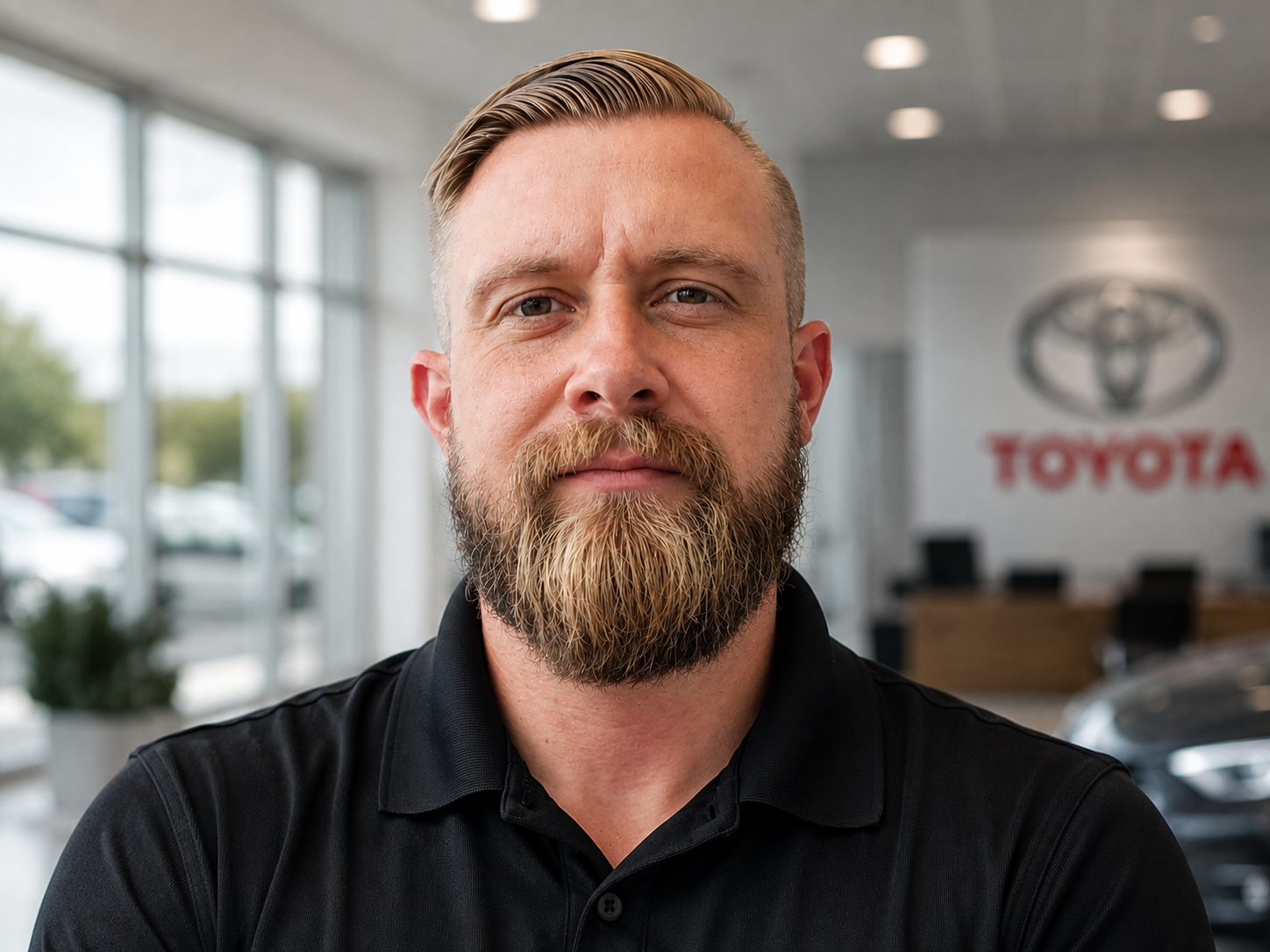 Keith Dula / The person behind ToyoDub
More than a link
Clear about
01 02 03 Toyota. Dubuque.
The ToyoDub story / Made in Dubuque
A good choice.
A familiar connection.
Useful Toyota guidance. Real local support. A person who helps you connect the two.
Keith Dula / The person behind ToyoDubMeet Keith
More than a link
to the dealership.
Keith created ToyoDub to make Toyota easier to explore and local help easier to find.
He works at Anderson-Weber Toyota in Dubuque. Here, he’s the familiar person who can help make sense of a vehicle question, put an ownership concern in context, or connect a local story with the people behind it.
You can use every guide and reach the dealership directly. When a conversation would help, Keith is here to connect the pieces.
Start a conversationThree roles. One useful connection.
Clear about
who does what.
ToyoDub explains.
The independent media and educational brand. Model cards, practical ownership resources, and Local Loop stories live here.
Anderson-Weber provides.
The dealership handles sales, financing, service appointments, parts, and collision repairs. The teams can be reached directly.
Keith connects.
The creator, presenter, and human point of contact. Vehicle questions, useful introductions, and local stories can all begin with him.
What’s in the name?
Toyota. Dubuque.
A choice you feel good about.
“Toyo” connects the resource to Toyota. “Dub” nods to a win and to the place it calls home. The idea carries beyond choosing a vehicle: pride in it, people to turn to, and a connection for the miles ahead.
Meet the local side